Cricut Crafts
Are you ready to make crafts with the Cricut digital cutting machine? We have a growing list of Cricut Crafts and Cricut Joy craft projects. Find easy Cricut crafts for beginners, intermediate, and advanced crafts using this digital cutting machine!
Make DIY banners, place cards, paper crafts, and stickers. Find iron-on Cricut craft projects for zipper pouches, DIY iron-on aprons, iron-on t-shirts, and onesies. Let’s not forget all the fun seasonal crafts you can make with the Cricut for the holidays (Valentine’s Day, Easter, 4th of July, Thanksgiving, and Christmas, and more!).
When you are done, be sure to see all our latest projects here: Cricut Craft Ideas!
Explore Our Cricut Crafts Project Gallery
Inspiration for Your Next Creation
Use the list of Cricut Crafts below to find a project to make today! We love crafting with our Cricut Maker and Cricut Joy, and we think you will love it too. Whether you are looking for Cricut crafts for beginners, DIY gifts, or home decor, this gallery is full of tutorials to help you master your digital cutting machine.
(If you don’t have a Cricut yet, or need help picking the right one, we have a detailed machine comparison and tips for Design Space right below the project list!)
My Favorite Cricut Projects & Tutorials
Welcome to my Cricut crafts hub! Whether you're looking for simple vinyl labels, easy and intricate paper projects, or custom iron-on designs. And other projects as we add them. You'll find inspiration and easy-to-follow guides for every machine. Let's get making!
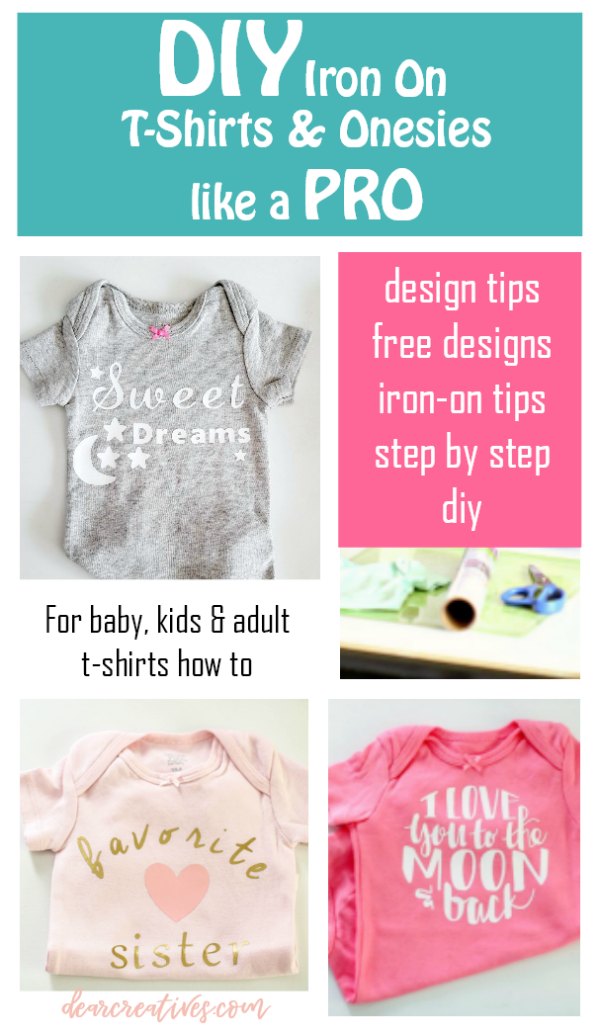
- Get started making iron-on t-shirts and onesies with your Cricut! Make Iron-on Tee Shirts Like A Pro! DIY Iron-on Tee-shirts (and onesies). Step by step with images, tips, tools, and designs...
[Skill Level: EASY, Beginner Friendly] [Materials: HTV, Iron-on vinyl] [Additional tools: heat press}
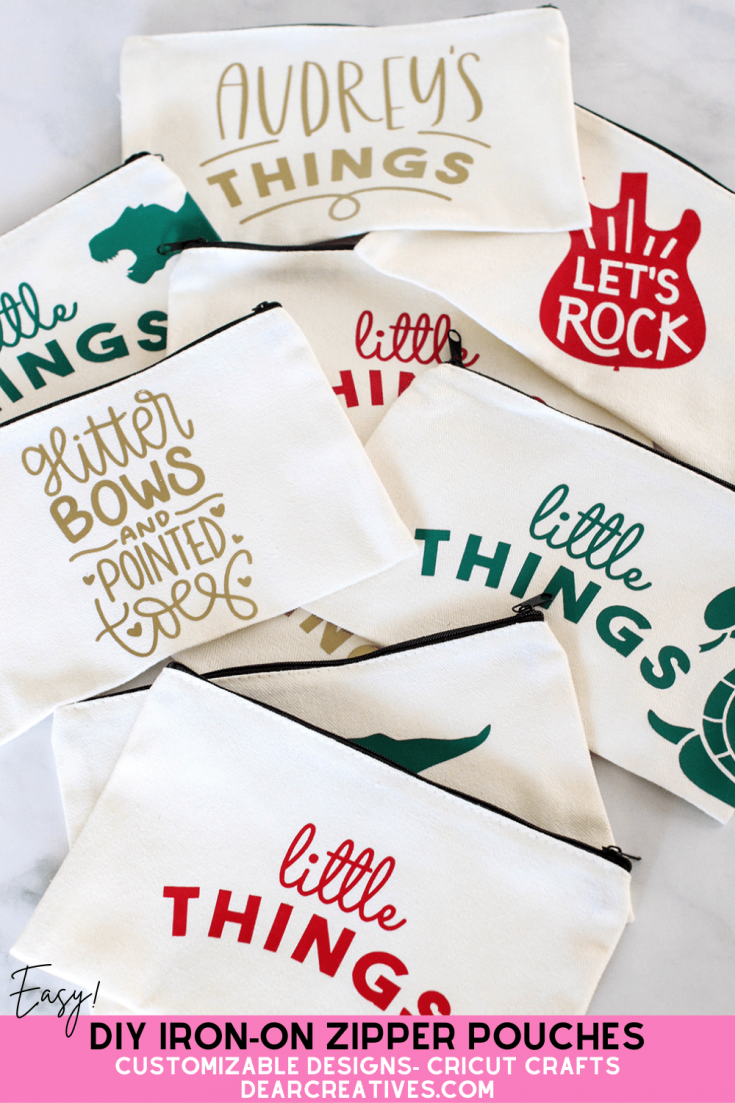
Make Iron-On Zipper Pouches With Cricut. This is an easy iron-on Cricut craft that you can make by purchasing blank pre-made zipper pouches, designing files, or buying design files (SVG files) to iron on the zipper bag...
[Skill Level: EASY, Beginner/Intermediate Friendly] [Materials: HTV, Iron-on vinyl] [Additional tools: heat press}
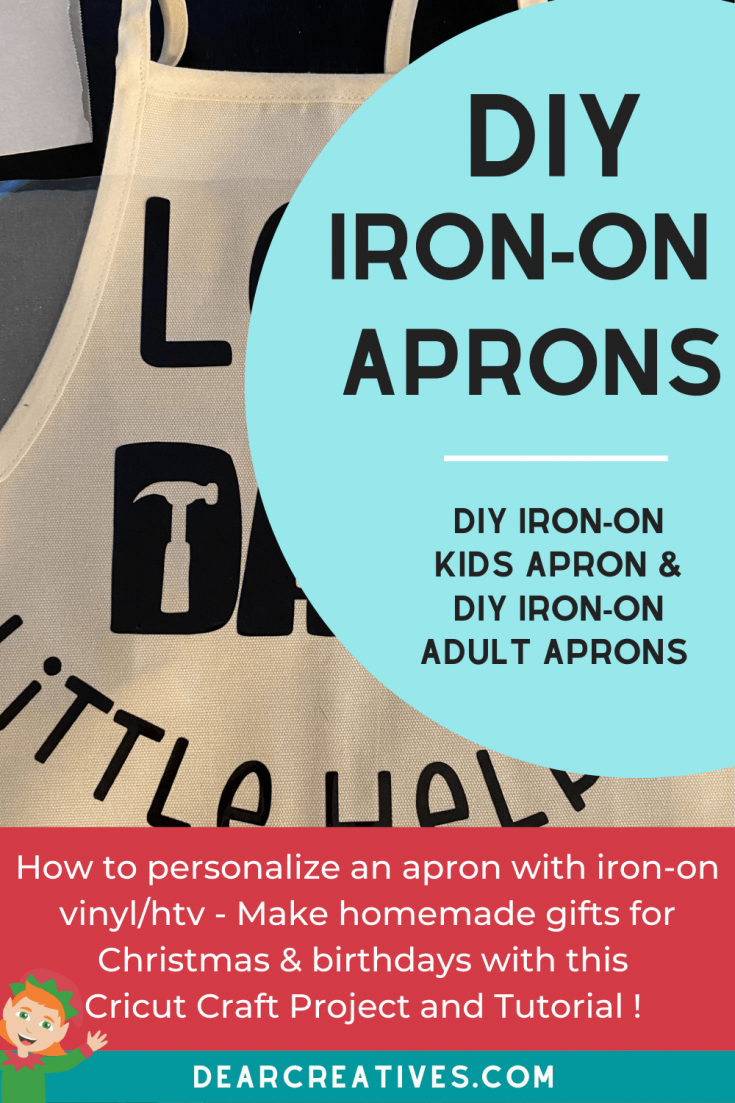
Personalize Aprons with this tutorial. You can DIY Iron-On Kids Aprons and DIY Iron-On Adult Aprons. See how to personalize aprons with the Cricut...
[Skill Level: EASY, Beginner Friendly] [Materials: HTV, Iron-on vinyl] [Additional tools: heat press}
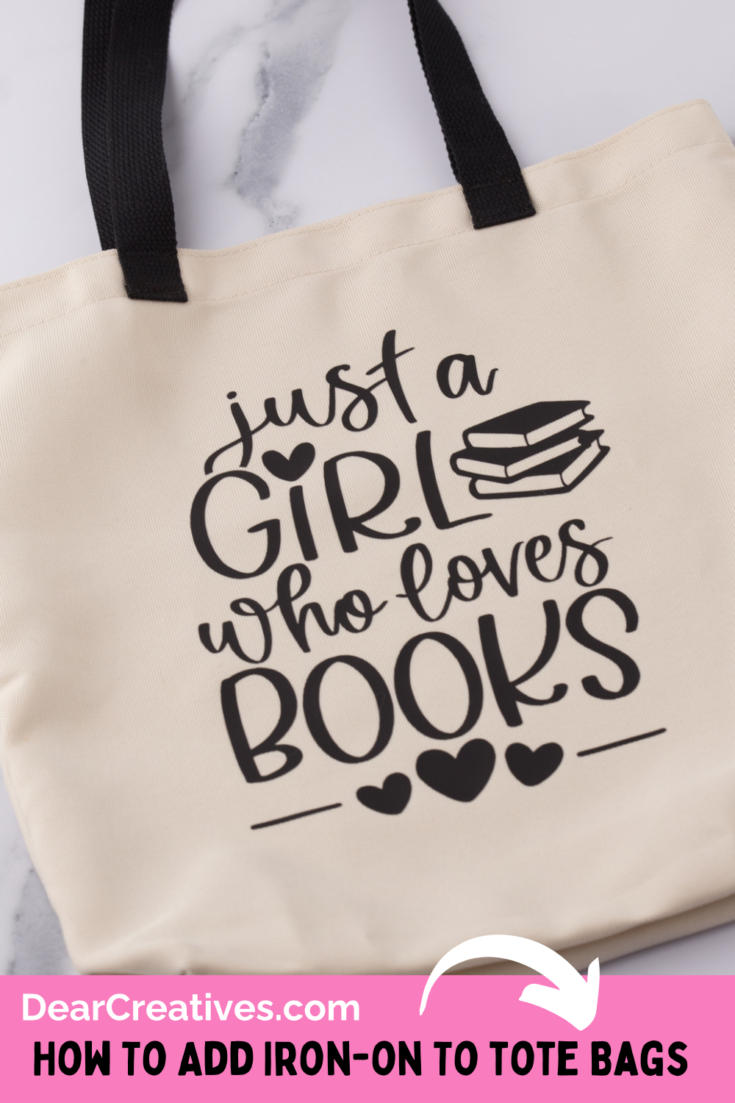
DIY Iron-On Tote Bag. This Cricut Iron-on tote bag DIY is easy enough for beginners and up. See how to cut and iron-on designs to tote bags. Make them for yourself, for gifts, or for Cricut Crafts to sell…
[Skill Level: EASY, Beginner Friendly] [Materials: HTV, Iron-on vinyl] [Additional tools: heat press}
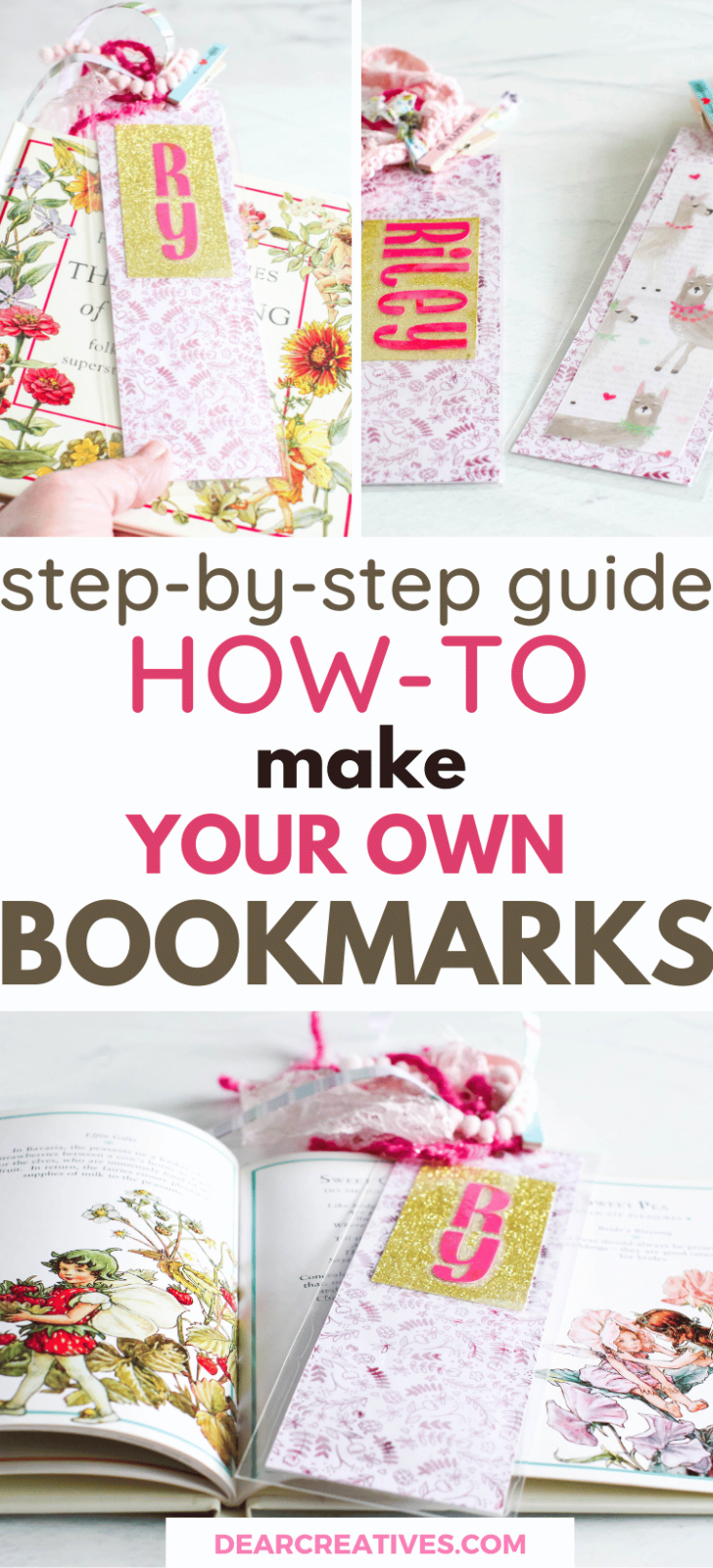
Make your own bookmarks with this step-by-step guide. It's easy with this How-To Make Your Own Bookmarks DIY. They can be customized with pretty papers, names, ribbons, and... See This DIY Bookmark Idea
[Skill Level: EASY, Beginner Friendly] [Materials: Cardstock] [Optional Tools: Laminator]
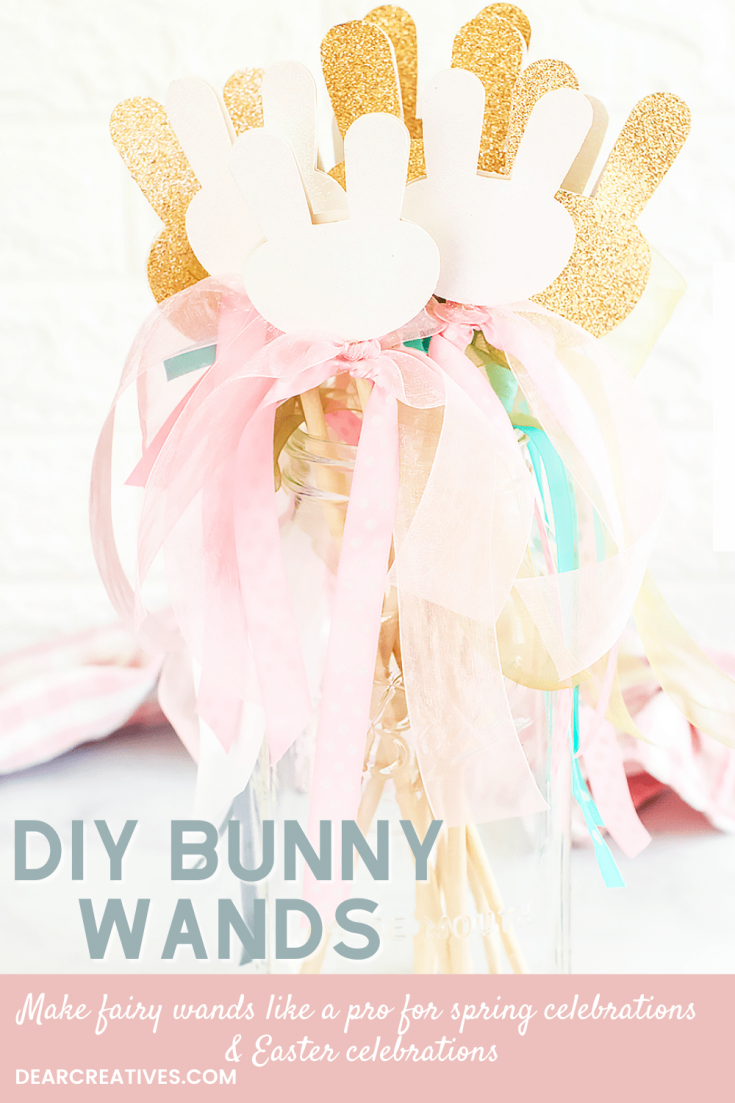
DIY Bunny Wands - Make these cute fairy wands for Easter that have bunny heads and pretty ribbons. All you need is the template, glitter cardstock, ribbons...
[Skill Level: EASY, Beginner Friendly] [Materials: Cardstock]
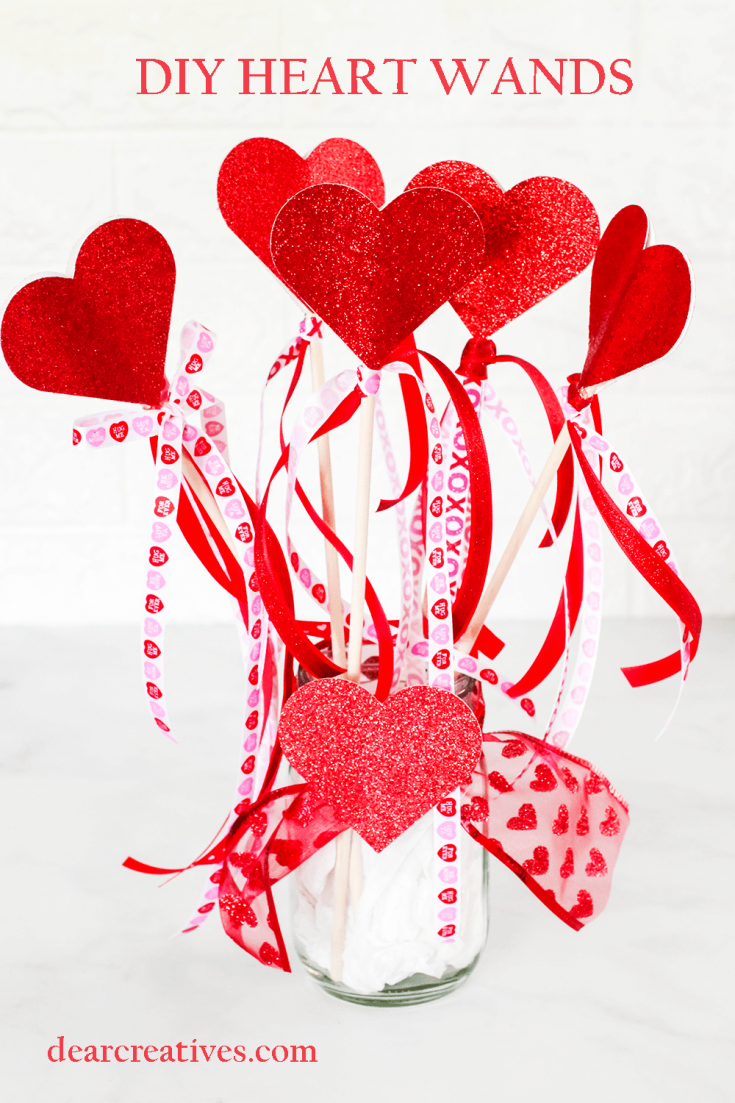
Make heart wands with the Cricut! Use glitter cardstock, dowels, and pretty ribbons. Pick the colors to fit the theme of the celebration. See how easy it is to DIY Heart Wands with Cricut.
[Skill Level: EASY, Beginner Friendly] [Materials: Cardstock]
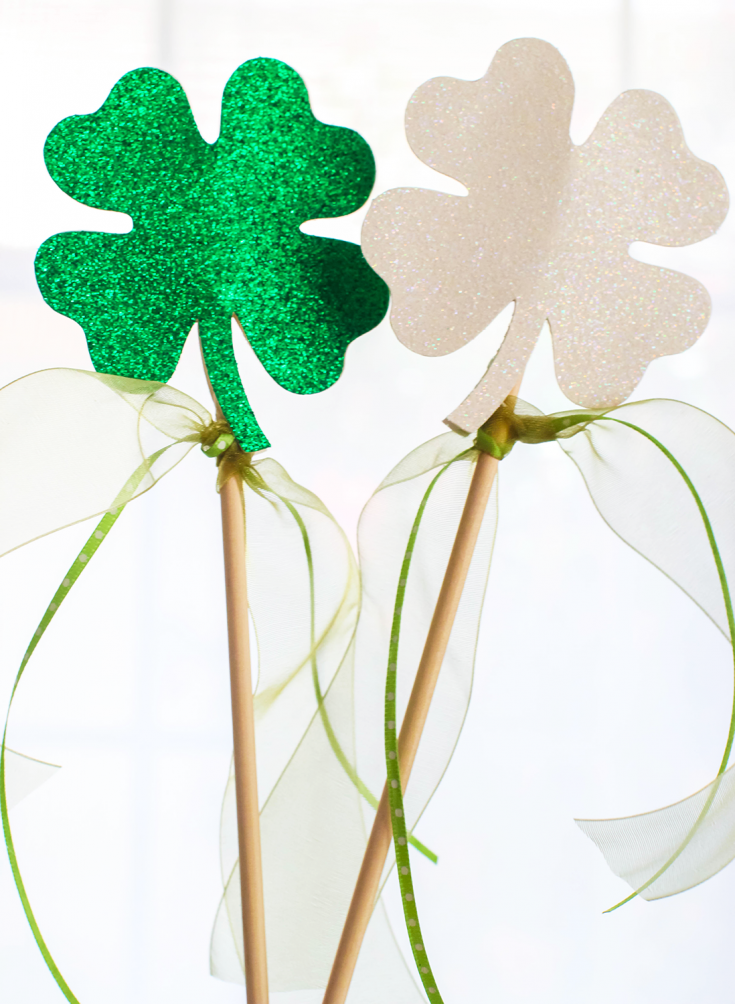
Shamrock Wands - Make this St. Patrick's Day Craft it's so easy. A clover template is included for the project to cut with the Cricut (or by hand if you don't have one). See how-to make Shamrock Wands. Grab a few supplies...
[Skill Level: EASY, Beginner Friendly] [Materials: Cardstock]
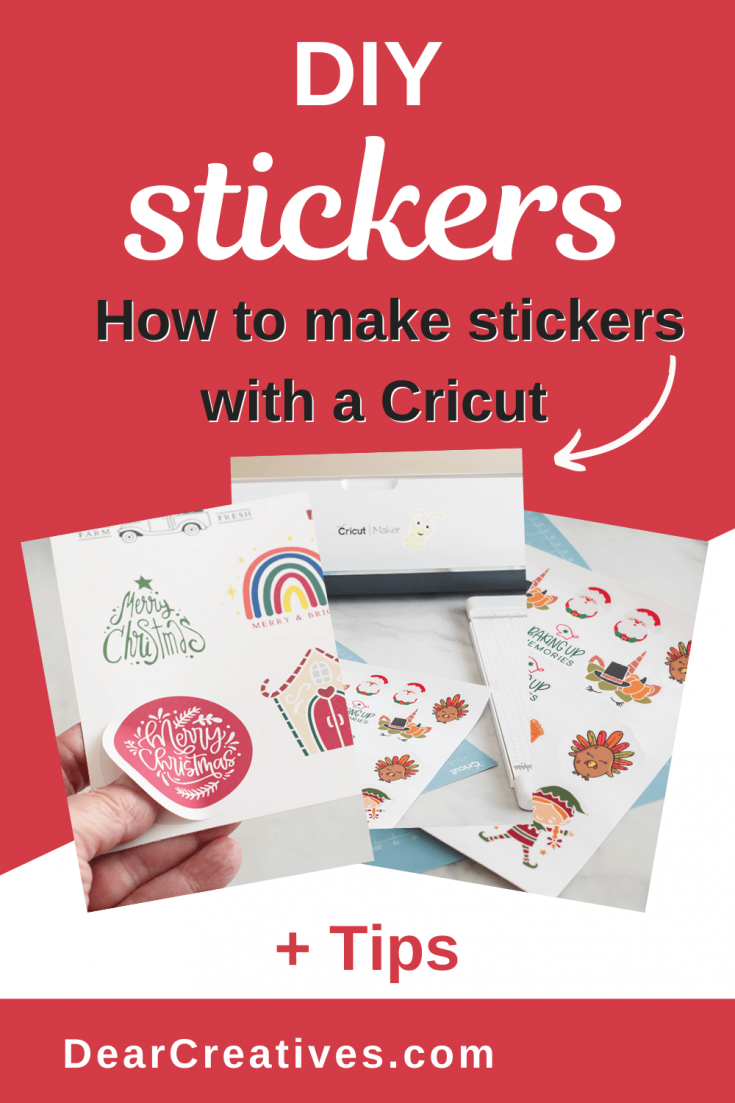
DIY Stickers With Cricut - See How To Print And Cut Stickers On a Cricut. This can be used for any theme or season.
[Skill Level: EASY, Beginner/Intermediate Friendly] [Materials: Sticker Paper]
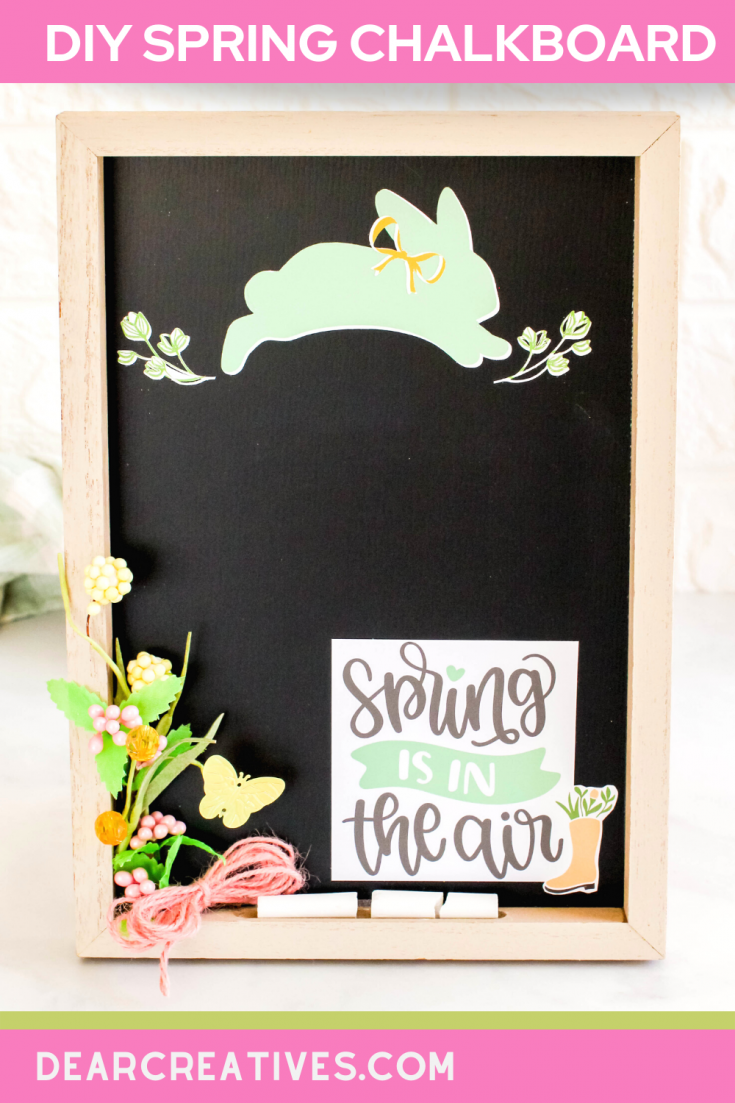
Decorate a chalkboard for spring to display in your home. This DIY spring decor idea is easy to make. Using a few craft supplies and a Cricut to make stickers (or purchase vinyl stickers), see how easy it is to make...[Skill Level: EASY, Beginner Friendly] [Materials: Sticker Paper]
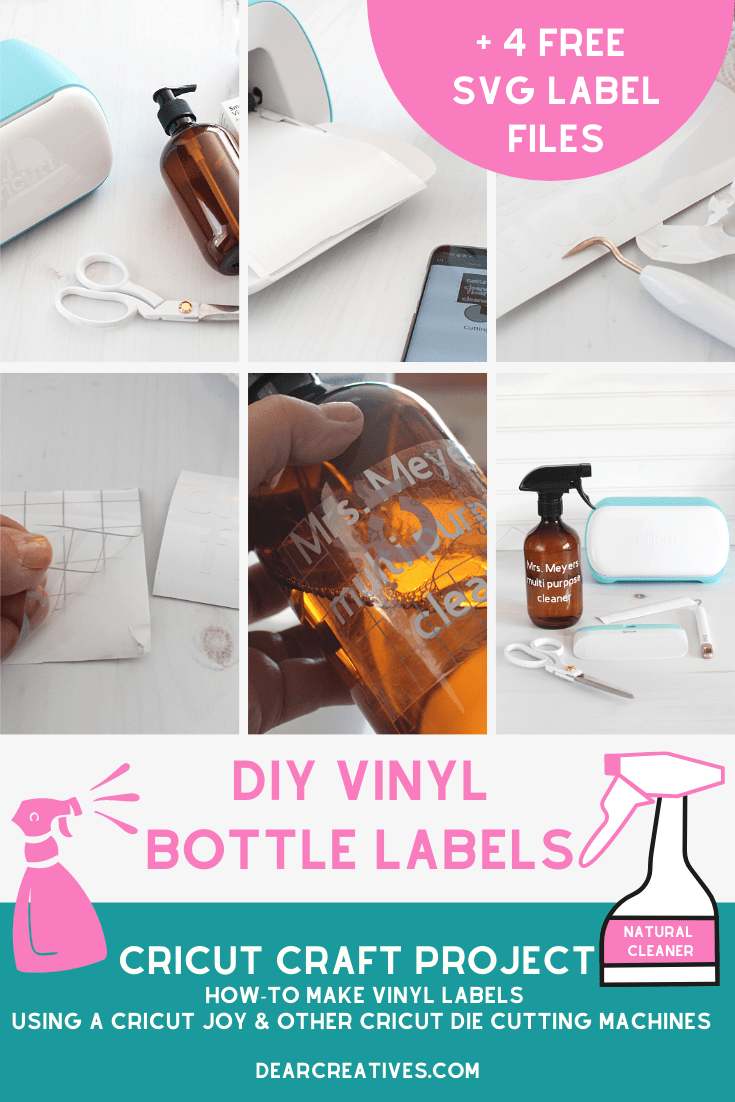
We love being green! Do you buy your cleaners in bulk? Or just want to learn how to label spray bottles and other bottles? These vinyl crafts with Cricut will have you adding vinyl labels to your bottles in no time flat!...
[Skill Level: EASY, Beginner Friendly and up] [Materials: Vinyl]
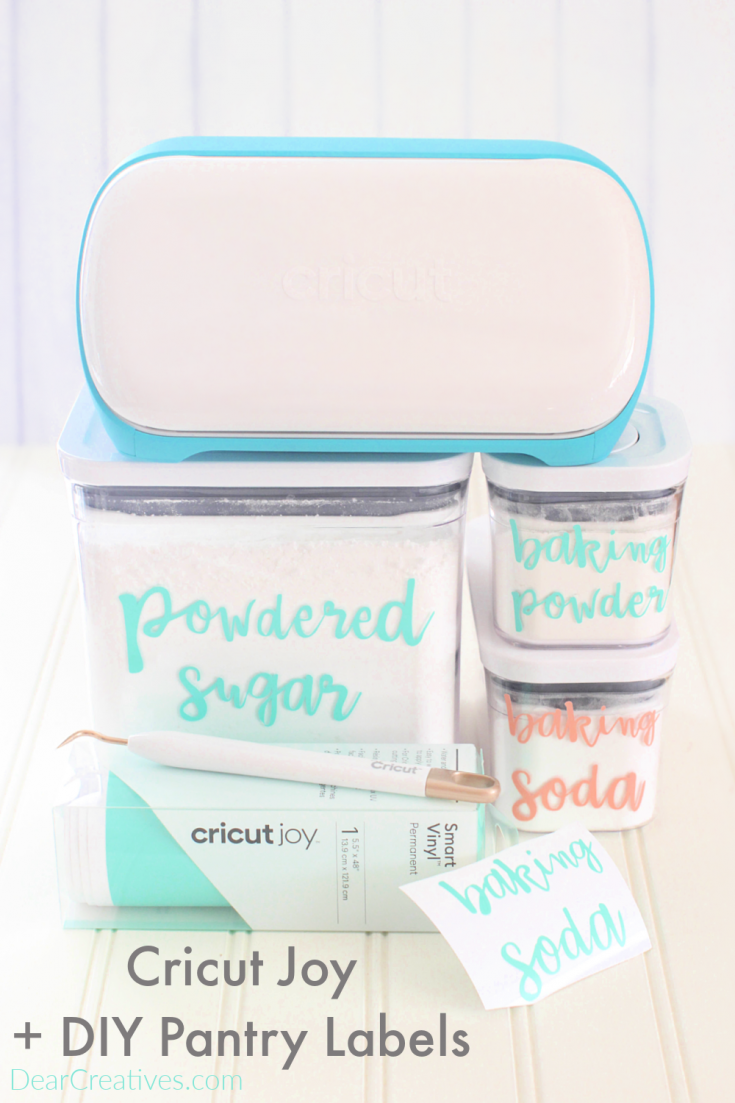
Are you ready to get organized? Bring a little Cricut Joy into your life! Then start by making DIY pantry labels. Use your favorite font and see how to make vinyl crafts with Cricut...
[Skill Level: EASY, Beginner Friendly and up] [Materials: Vinyl]
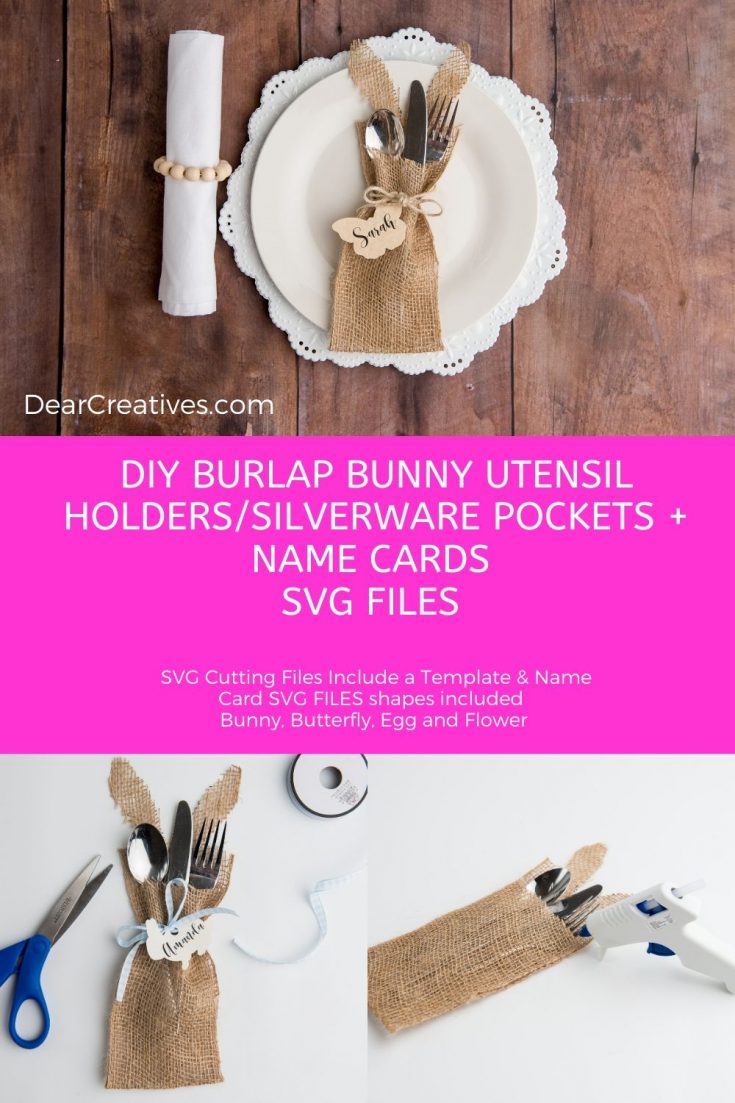
Have you ever wanted to make DIY utensil holders? This post shows you how to make a DIY Burlap Bunny Utensil holder/silverware pockets plus name cards...
[Skill Level: EASY, Beginner/Intermediate Friendly] [Materials: Cardstock, Burlap]
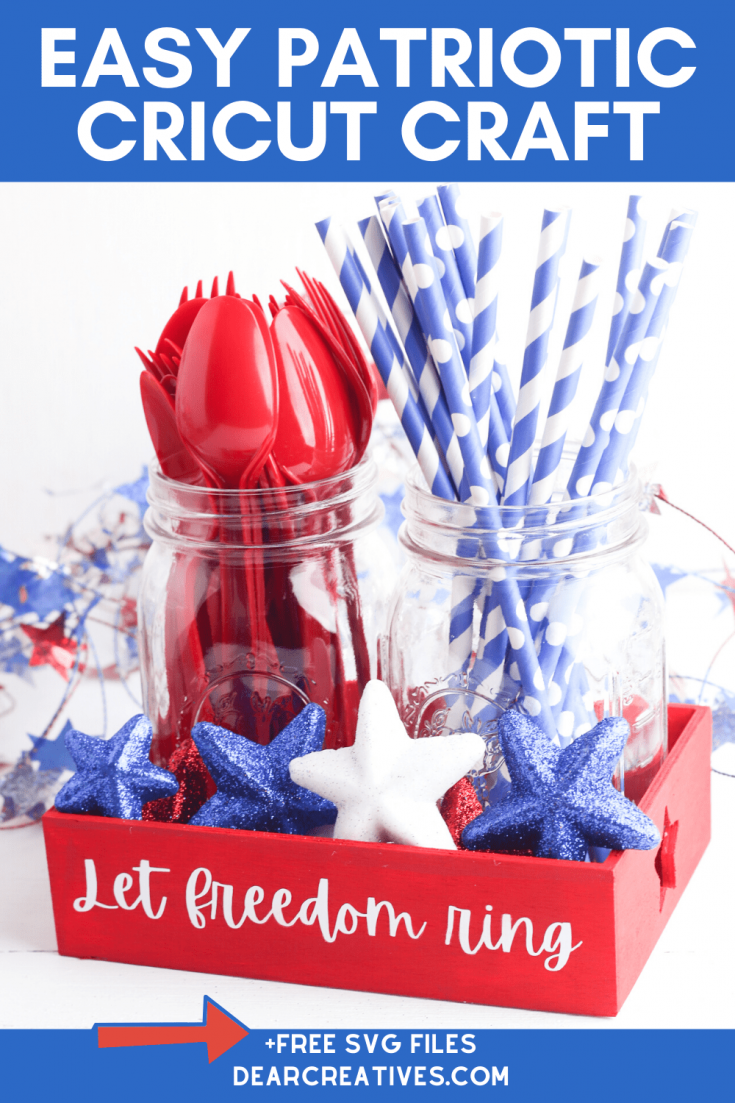
Decorate a wooden tray for your Patriotic celebrations! Or adapt the design to suit your theme. Grab the free SVG file plus bonus cutting files to make your own utensil holder. Or add other decorations to the jars. See how easy it is to make...
[Skill Level: EASY, Beginner Friendly and up] [Materials: Vinyl]
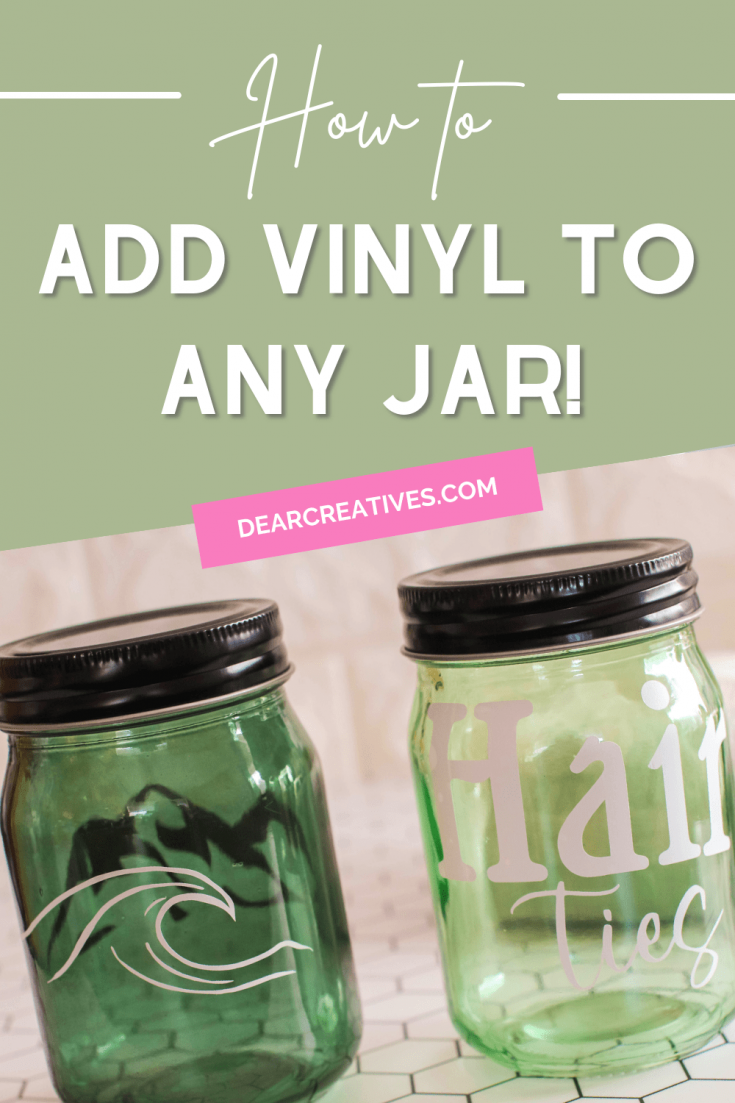
How To Add Vinyl To Jars - Use mason jars or other jars, vinyl, Cricut digital cutter... Add your favorite SVG designs! Grab the tips and see the DIY!
[Skill Level: EASY, Beginner Friendly] [Materials: Vinyl, Jars]
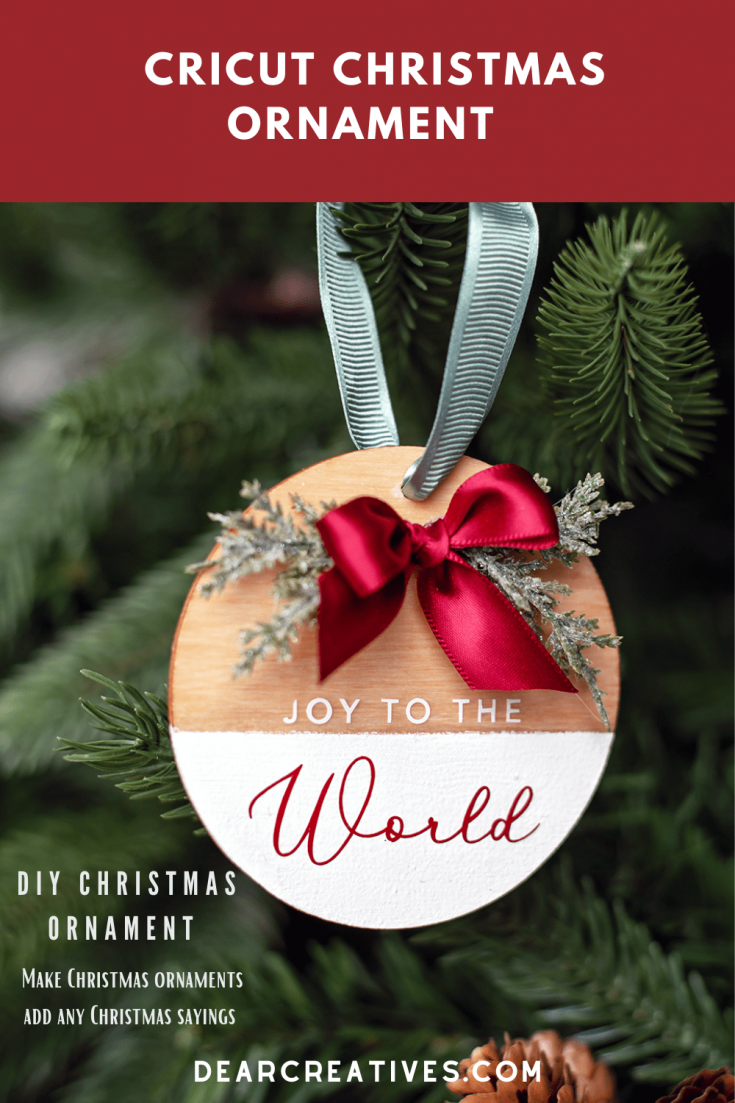
DIY Cricut Christmas Ornaments - Make Christmas ornaments using the Cricut digital cutting machine. Add SVG files or other design files you make with holiday sayings, such as Joy To The World...
[Skill Level: EASY, Beginner Friendly] [Materials: Wood Round, Vinyl]
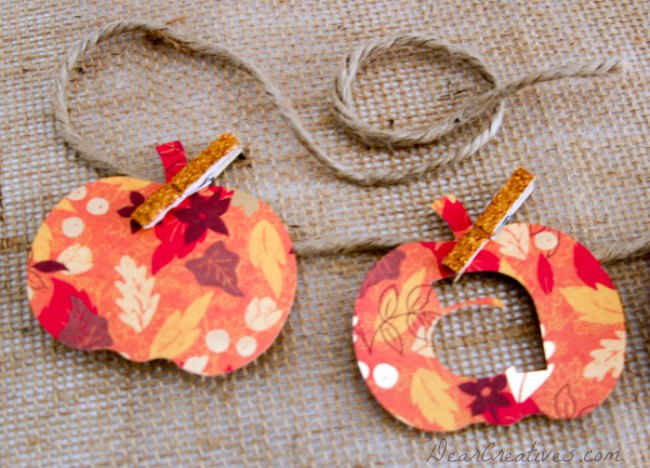
I love making seasonal banners! It's so easy to make them. This Cricut project is perfect for beginners and up! See how to make a fall pumpkin banner...
[Skill Level: EASY, Beginner Friendly] [Materials: Cardstock, Twine]
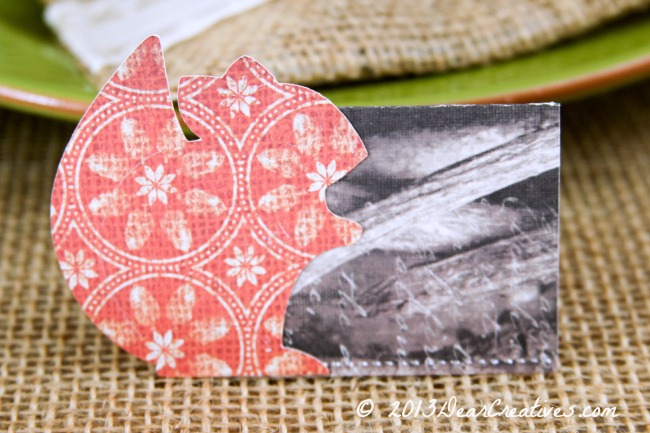
Making place cards for the table never got easier! Design and make place cards, then cut them with the Cricut and assemble them. See how easy it is to DIY place cards!...
[Skill Level: EASY, Beginner Friendly] [Materials: Cardstock]
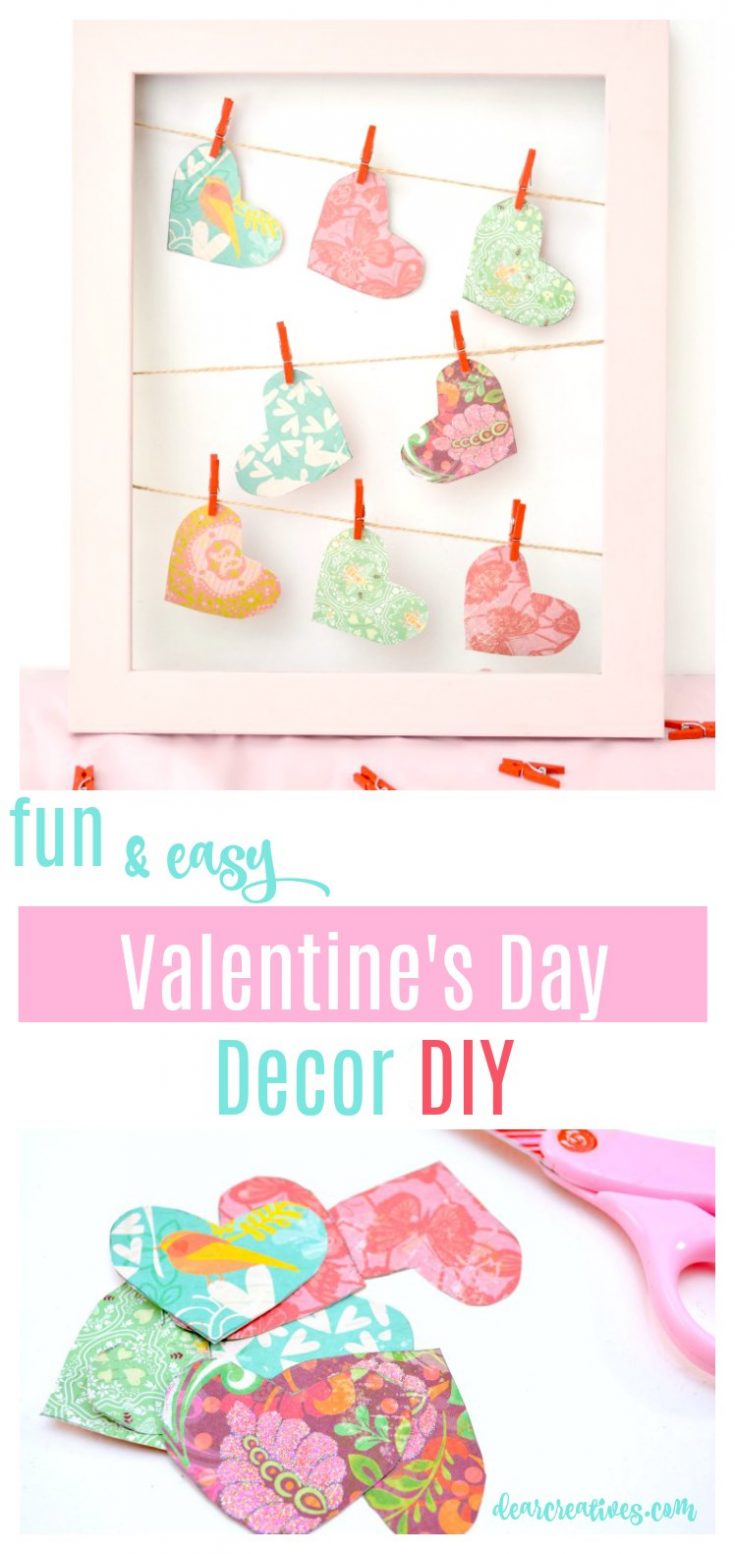
You can cut hearts by hand but, using your Cricut die-cutting machine makes this Valentine's Day craft so easy! Try this beginner Cricut craft...
[Skill Level: EASY, Beginner Friendly] [Materials: Cardstock, Frame]
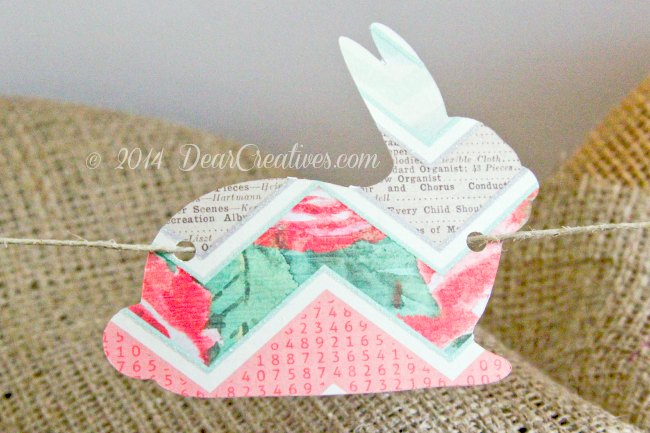
Fun and easy DIY bunny banner! This is a good Cricut craft for beginners. See how easy it is to make your own bunny banner...
[Skill Level: EASY, Beginner Friendly] [Materials: Cardstock]
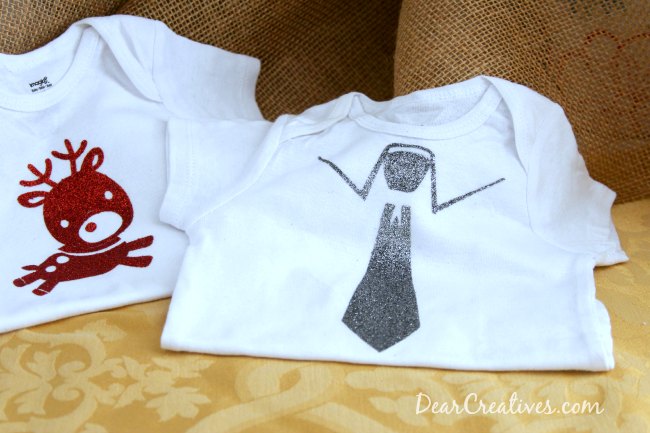
Have fun making Christmas crafts with Cricut! These are fun and easy to make for the baby and toddlers in your life. DIY Iron-on glitter onesies. You can use the glitter iron-on for...
[Skill Level: EASY, Beginner Friendly] [Materials: Iron-on Vinyl]
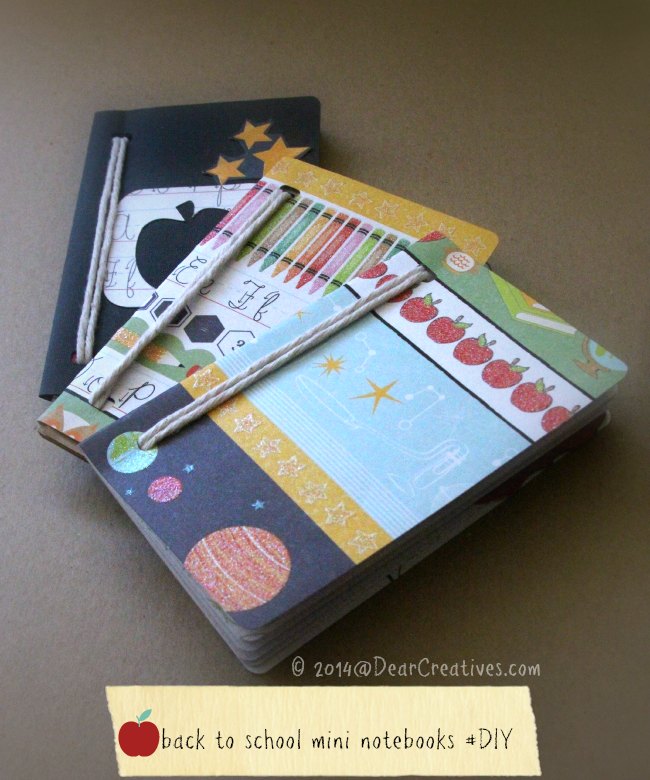
Make mini notebooks and mini journals with your Cricut. This is the perfect Cricut crafts for beginners! We made them for back to school but, swapping out the paper makes them suit your theme or liking...
[Skill Level: EASY, Beginner Friendly] [Materials: Cardstock]
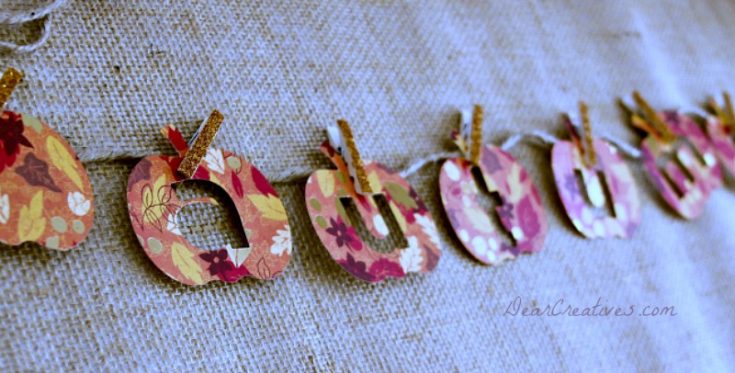
DIY Autumn Pumpkin Banner - this is a quick, easy, and fun craft for Cricut. Perfect for hanging in your home for fall...
[Skill Level: EASY, Beginner Friendly] [Materials: Cardstock, twine or ribbon]
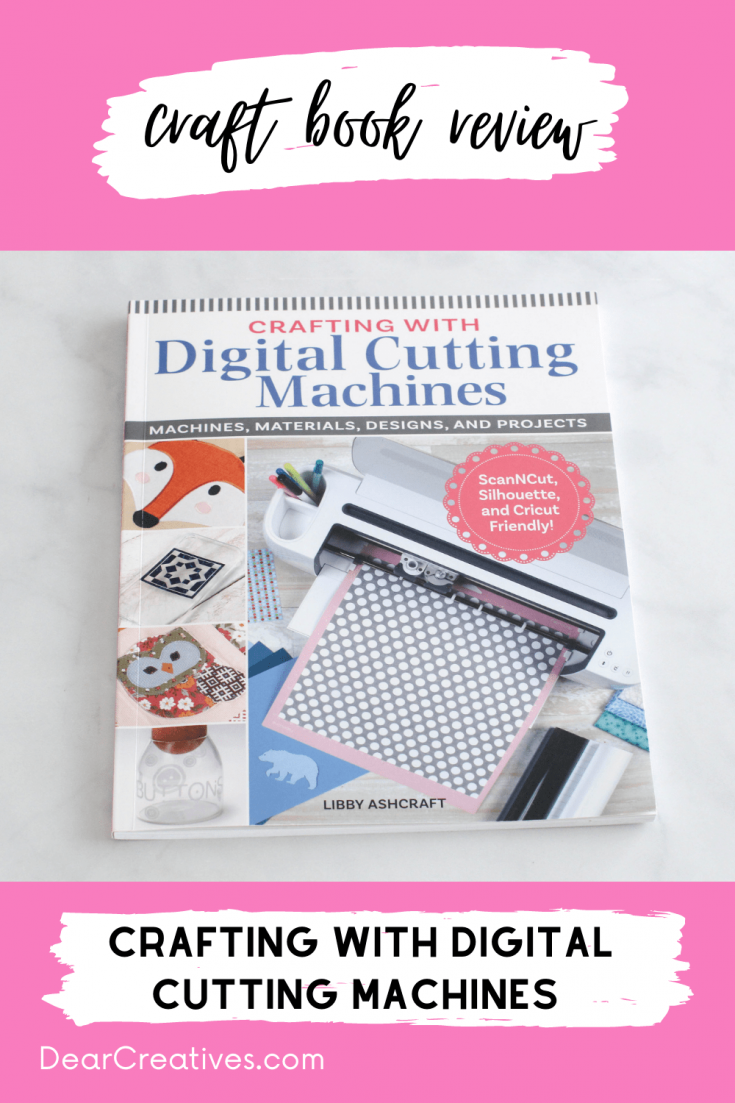
Craft book review of "Crafting With Digital Cutting Machines". See an overview of everything in the book, a video flip-through of the book, and who the craft book will help...
[Resource: EASY, Beginner Friendly] [Materials: Cricut: Digital Cutting Machines]
More Ways To Use Cricut
5 Must-Try Journaling Hacks
Whether you are a seasoned journaler or just starting your first vision board, these five techniques will make your pages interactive and unique.
Key Moments in this Video
- [00:19]Designing Custom Stickers & Ephemera
- [00:49]Creating DIY Acetate Stencils
- [01:12]Binding Your Own Journal Covers
- [01:38]Interactive Pockets & Tabs
- [01:54]Using Cricut Pens for Lettering
Intermediate Scrapbook Overlays Project
Key moments in this Video
- [00:00] Introduction
- [00:11] YouTube Sketch Hop Collab!
- [00:43] Hobby Haven Series Review
- [02:07] Materials and Photo Inspiration
- [02:48] Creating the Background Plus Cricut Tutorial
- [07:23] Choosing and Creating Circles
- [08:47] Stamping the Title/Subtitle 1
- [1:07] Building the Background
- [17:25] Adding the Easel Focal Element
- [20:15] Splatter Stamping
- [22:59] Pulling it together and finishing touches!
New to Cricut?
Before you dive into the projects below, you might be wondering: What is a Cricut? A Cricut is a brand of digital cutting machine. Unlike traditional manual die-cutting machines (like the Sizzix Big Shot) that use physical metal dies to press shapes out of paper, a Cricut uses a computer-controlled blade. This allows you to cut custom designs, fonts, and intricate shapes that you create or download digitally.
How To Pick The Right Cricut Machine
What you need to get started:
- The Machine: Pick the one that suits your needs (see comparison below).
- Cricut Cutting Mat: I recommend having a few. Tip: Keep the clear plastic sheet to protect the mat (and keep it clean) when not in use!
- Cricut Tool Set: A basic “weeding” toolset is a must for peeling designs off the mat.
- Materials: Cardstock, vinyl, or iron-on (HTV), depending on your project. Right now, you can get 50% off Materials and Accessories!
Will you be working with HTV/iron-on vinyl materials? Don’t forget you will need an EasyPress. - Design Space: The free software used to send designs to your machine (explained below, it’s free to use).
Disclosure: This post contains affiliate links, which means I may receive a small commission, at no cost to you, if you make a purchase through a link.
NOTE: With the Cricut Joy, not every project needs a mat. Example: You can use the special cutting vinyl for the Cricut Joy. It’s called Smart Vinyl.
- New here? Be sure to Subscribe.
- Pin it for Later
- Follow us on Pinterest
- Shop our favorites on Amazon
Compare Cricut Machines: Which one is right for you?
Cricut has come out with so many new machines, each one has special features!
1. Cricut Joy
The smallest and fastest machine. It’s perfect for banners, stickers, labels, and cards. It is easy to store in a dorm or craft room and offers “matless” cutting with Smart Materials.
2. Cricut Joy Xtra
This fits-in-any-space, looks-good-anywhere smart cutting machine. Cricut Joy Xtra™ cuts, writes, draws, and foils to make popular projects like full-color stickers, custom cards, T-shirts, vinyl decals & more.
3. Cricut Maker
The “workhorse.” It cuts over 300 materials, including leather, fabric, lace, and balsa wood. It features an adaptive tool system for embossing, scoring, and engraving.
4. Cricut Explore Air 2
A great middle-ground machine. It is similar to the Maker but has fewer tool options. It is perfect for cardstock, vinyl, and iron-on projects.
5. Compare Cricut’s Latest Machines
Check the Latest Deals: Shop Sale Items at Cricut Here!
What is Cricut Design Space?
- Yan Design Space (with free sign-up). Download and use it on the computer or on your cell phone with the app.
- (or app. on your cell phone). Y
- Remember to do this! Always;Preview your designs before cutting the designs with the Cricut. Why?
- O
- Watch for Yuu will see it
- Ior; Y design. T
- Or you can upload your own designs, images, and SVG files. It’s really straightforward. Just follow the prompts. Details are inside the program.
- Hey, did you know? You can use Cricut Design Space for designing other things besides Cricut projects. Make craft projects and printables for your kids…
- Here is where you can find (FREE DESIGN PROJECTS) in Design Space. And Free Featured Projects.
Who loves extras? Want to jump in? Don’t know how to make designs? Try the new Cricut Access
Where to find SVG and Designs for Cricut?
It’s filled with fonts, designs, and…

How To Clean Your Cricut Mat
Cleaning your Cricut mat can void the warranty of the Cricut machine. But you can find videos like this if you have an older machine not under warranty anymore and want to clean your mat.
Where to get the best materials for Cricut?
Happy Crafting with Your Cricut!
- New here? Be sure to Subscribe.
- Pin it for Later
- Follow us on Pinterest
- Shop our favorites on Amazon
- Follow Us On Pinterest
- Follow our Pinterest Board (filled with Cricut craft projects and tutorials to help you!)
- New here? by subscribing!
Pin it for later!
A little back story; Making banners, labels, and cards with Cricut are easy projects to make with Cricut. Where to find more Cricut Projects? Look for FREE DESIGN PROJECTS in Design Space.
I have had every machine, including the Explore, which I gave to my daughter (an older version of the Air 2), and the Explore Air 2. It is similar to the Maker digital-cutting machine. How is the machine different? It has fewer cut options. The Explore machines come with a limited variety of blades for cutting compared to the Maker. Cardstock, vinyl, iron-on, bonded materials… Prints and cuts only on white paper.
See helpful content and projects we are pinning on Pinterest: