Free Valentine’s Day Stickers: Cricut Print and Cut Tutorial
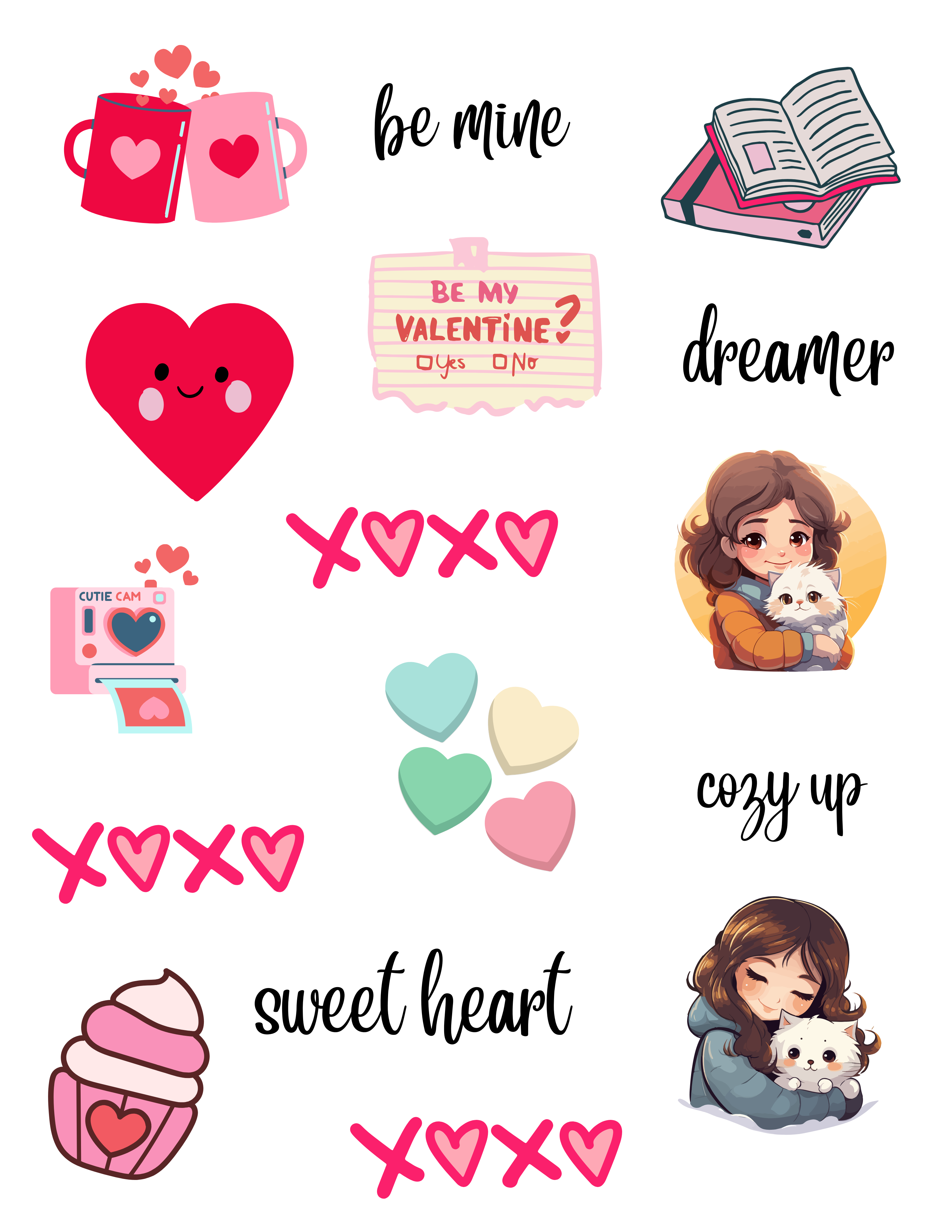
Valentine's Day Stickers Cricut – This is a free digital download. The printable file is a high-resolution PNG that is perfect for print and cut stickers!– Hi friends! Happy Valentine's Day. I have a Cricut craft ready for you to print and then cut with your Cricut (or cut by hand). Use the instructions below, along with the free printable files (for personal use only).
This is a free file from me to you lovelies. I have been doing Cricut projects and have more to share soon! I thought you might like these cute designs I combined into a sticker sheet. Looking for something else to make? New to this craft or considering getting a cutting machine, start here: Cricut Crafts here. Get our latest Cricut Craft Ideas here, and see The Best Cricut Storage Solution for Your Craft Room.
“Print and Cut Stickers” Tip: “When uploading these PNGs to Cricut Design Space, be sure to select ‘Complex' as the image type to preserve the high-resolution detail of the designs!”
Valentine's Day Sticker Sheet
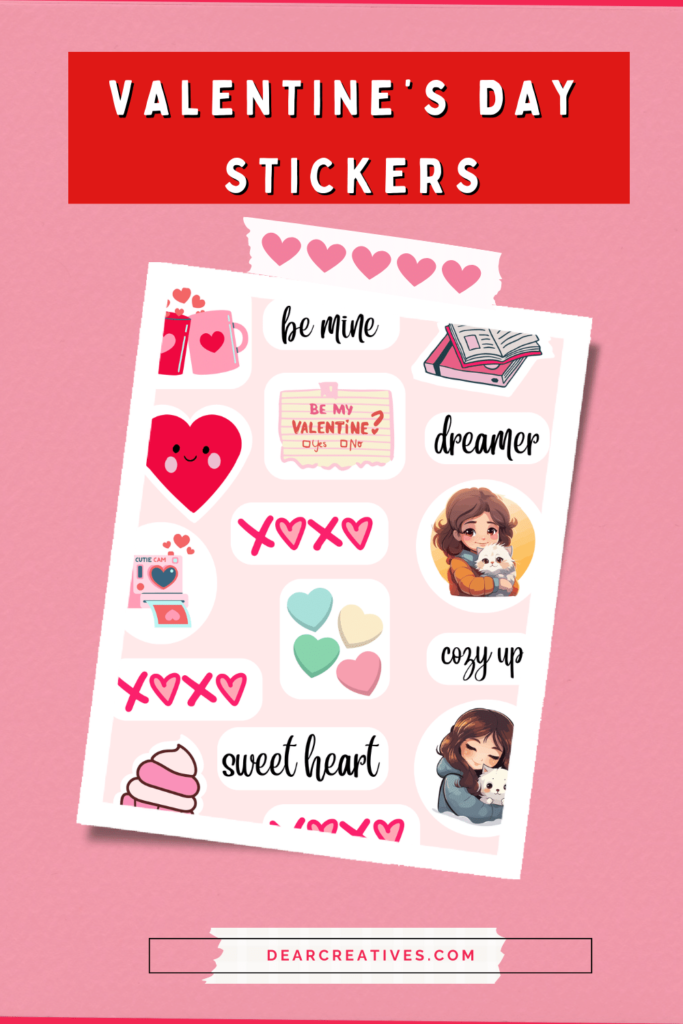
Enjoy these free files for (personal use only) to make your Valentine's project or to make and give it to someone to make them smile!
If you enjoy making stickers and crafting, grab a subscription to CreativeFabrica, too. You will love it for designing files using their graphics, PNG, SVG, Fonts, and craft files… An example is the sweet files – Valentine Couple Bundle. To create your designs in Cricut, get Cricut Access! And use the Beta version to use the latest sticker features! Find other perks with that, too!
Use this Cricut Craft for Valentine's Day, or use it for Planner and Journal Stickers
What you need to make stickers with a Cricut and supplies for this project at home
- Printer to print the design first on vinyl sticker paper.
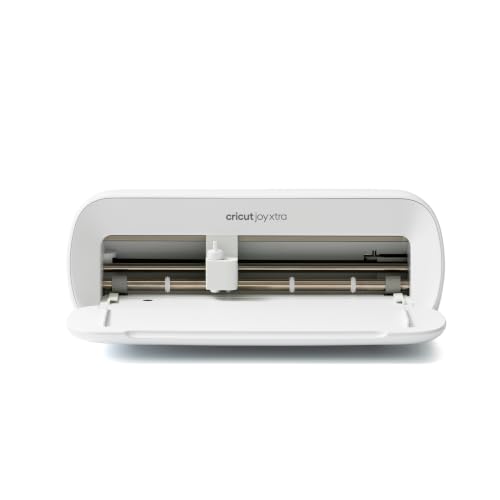
- A Cricut Cutting Machine Such as an Explore, Maker, or the newest Cricut machine, Cricut Maker 3, or Cricut Joy Xtra, to cut the printed file on vinyl sticker paper.
- Sticker Paper, I like these sticker papers- Printable Vinyl Sticker Paper or Zicoto Premium Vinyl Sticker Paper, and Printable Holographic Sticker Paper (diamonds). Comes in 9 styles.
- Free subscription to Cricut Design Space
- A brayer to secure the printable vinyl to the mat.
- I use the blue mat from the Cricut Mats.
Use the Sticker Files, grab the download below. Note: You might not be able to access the direct file set to go, but you can try via my link for the DesignSpace project: the [files here on Cricut]. Since they are not Cricut images, you may have to download and upload them to your workspace there. You can download the file directly to your computer to do that below. And follow the instructions below. I hope that helps!


Add cute stickers you made with the files to your Valentine's notes, cards, and planners…
Download The Valentine's Stickers Printable File
How To Use the Sticker Project File in Cricut
Steps To Use Print Then Cut File In Cricut
- Download the file. Save it to your computer.
- Open up Design Space. Upload the file.
- Once uploaded, open up the canvas page and go to my projects. Pick the image and add it to your canvas.
- Once on the canvas, rotate the file 90 degrees (and then you will need to resize it, after duplicating the image).
- Place the two images side by side. Grab both with the curser and resize to size 5.84 x 8.86.
- Then flatten and attach the file.
- Go to: make it.
- Following the prompts – Print then Cut.
- Send the file using the prompt to your printer. Print the resized file. It will show the layout.
- After printing following the prompt choose your sticker paper.
- Load your sticker paper onto your mat and use a brayer to secure the printable vinyl (that is printed) on the blue mat.
- Press Go (to cut the project).
They have made it even easier to design your own if you have the Beta version of Design Space!
No Cricut? No Problem! How to Cut by Hand
If you don't have a cutting machine, these files are formatted so you can easily use a pair of detail scissors or a craft knife.
Use Cricut Design Space (for free with sign-up) to lay out, resize, and print the files and cut them by hand. Or try using the print file (adjusting to fit the size of the paper) by using your printer.
Ways to Use Stickers
- Envelope seals for Valentine’s cards.
- Goodie bag stickers for classroom parties.
- Bullet journal, Creative Journaling, February spreads, and planners.
- Water bottle or laptop decoration (if used with waterproof sticker paper).
- Lunch bag seal or surprise the kids with a sticker sheet for their sticker books.
- New here? Be sure to Subscribe.
- Pin it for Later
- Follow us on Pinterest
- Shop our favorites on Amazon
To help you get the best results with your stickers, you might find this Valentine's Day Cricut tutorial useful for learning how to add special finishes like holographic effects to your designs.
- If you enjoyed this post, be sure to see these Valentine's Day Ideas for kids with free printable You-R-A-doughable
- Valentine's Day Crafts
- Valentine's Day Ideas
- More Cricut Storage Ideas
Do you enjoy making stickers with Cricut's Print then Cut option? Have you tried making Valentine's Day Stickers Cricut?